Anyone who has run paid social for more than a year knows the quiet panic of a missing file. A client's agency disappears, the shared drive gets cleaned, and the only surviving copy of last spring's best performing video lives inside a Facebook post. In advertising right now, short video is the unit of work, and teams are turning out far more versions of it than they can neatly store. That puts a boring question at the center of the job: where do the files actually live?
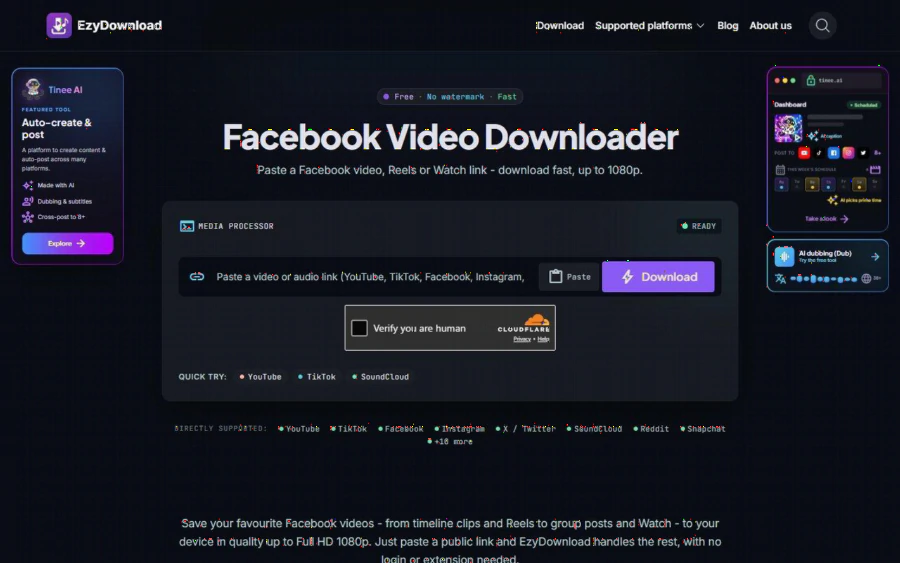
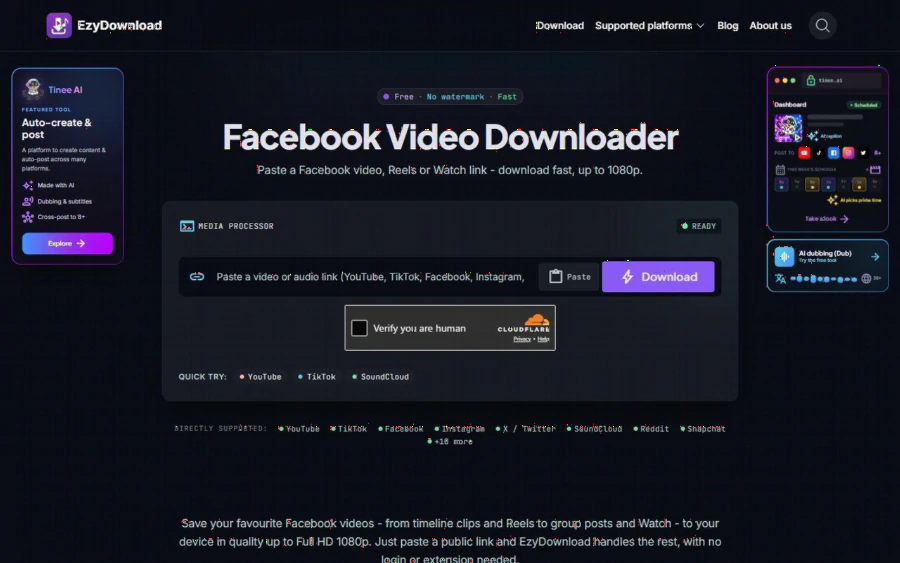
EzyDownload Facebook video downloader page with a link box and a 1080p note
This article looks at one small answer to that question, from an industry trend angle. The scenario below is a hypothetical, written to show how the tool fits into a real workflow. It is not a customer story, and no results are claimed.
The scenario: a three person ad team and a missing archive
Picture a small agency with three people running Facebook and Instagram campaigns for a dozen local clients. Creative refreshes are constant, because short video ads tire quickly and a fresh cut often beats a clever new audience. The team's habit, like many teams, is to publish first and file later. Six months on, a client asks for last season's winning clip to be re-cut into a Reel for a new promotion. The original editing project is gone. The published post is not.
This is the gap that a free Facebook video downloader that caps out at 1080p is built for. You paste the link of a public Facebook video, Reel or Watch post, pick MP4 or MP3, and download. According to the product page, no login, account or browser extension is needed.
What EzyDownload is, based on its own pages
EzyDownload is a browser-based tool for saving video and audio from public links. Its pages list more than a dozen directly supported platforms, including YouTube, TikTok, Facebook, Instagram, X, SoundCloud, Reddit and Snapchat. Video comes out as MP4 (H.264/AAC). Audio comes out as MP3 at 320, 192 or 128 kbps, with title, artist and cover art tags.
On the Facebook page specifically, the site says it handles timeline videos, Reels, Watch videos and group posts, as long as they are public, with quality "usually up to Full HD 1080p." It also states that files come out without a watermark, that media is streamed rather than kept on its servers after download, and that there is no sign-up, password or email. The price is simple: the page says there are no hidden fees, no subscription and no cap on basic downloads. The phrase "basic downloads" is not defined anywhere I could find, so treat very heavy bulk use as untested.
Why this matters to advertising teams right now
Three industry shifts make a plain downloader more relevant than it looks.
First, the volume of video variants has exploded. A single campaign can now carry several hooks, several lengths and several aspect ratios. Every one of them is an asset that someone may need later.
Second, platform native tools are built for posting, not for retrieval. Facebook shows you your video, but getting a clean file back out of a published post is not something most people can do from the app itself.
Third, reuse is now a normal part of the craft. A strong clip from a page you manage can be trimmed, captioned and republished as a Reel or a Story. That only works if you can get back to a usable file.
None of this needs a heavy platform. It needs a reliable way to turn a public link into an MP4.
A practical workflow for the scenario
Here is how the hypothetical team might use it, step by step.
1. Copy the link. On desktop, click the post timestamp and copy the address. The site says links containing /videos/ tend to work best. On mobile, use Share, then Copy link.
2. Paste and choose. Drop the link into the box, choose MP4 for the video or MP3 if you only need the audio track.
3. Pick a quality. For a Facebook source, the page says you will usually top out at 1080p, and the ceiling always depends on what was originally uploaded.
4. Download and file it. Name the file with the client, campaign and date, and put it in the shared archive immediately.
5. If the link is rejected, the site suggests reopening the video's own page and copying the link again.
The whole routine takes a minute or two per clip, which is the point. An archive that costs little effort is an archive people actually keep up.
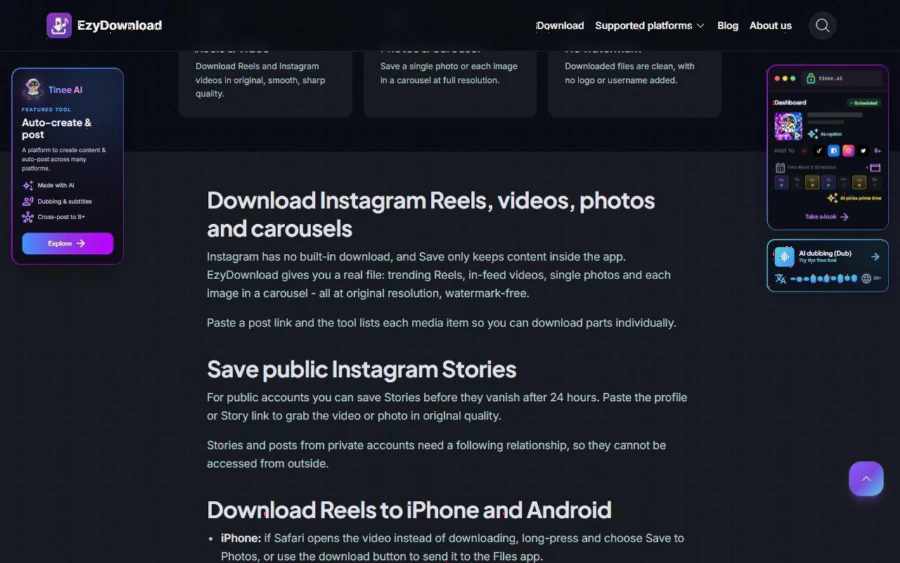
EzyDownload Instagram page explaining Reels, photos and carousels saved at original resolution
The same logic carries over to other channels. The Instagram page describes Reels, in-feed videos, single photos and individual carousel images saved at original resolution, with a listing of each item in a carousel so you can download parts separately. For a team that cross-posts the same creative on both platforms, one tool covering both is less to remember.
Strengths worth naming
- Cost. It is free, with no account to manage. For a small team, that removes a subscription line and a login to share.
- Low friction. The paste, choose, download flow suits people who do not want another dashboard.
- Clean files. Removing the watermark matters when you are republishing your own material and do not want another platform's mark on it.
- Audio extraction. Pulling an MP3 from a clip is handy for voiceover checks or reusing a sound bed that you own.
- Privacy posture. The site says no logs are kept and files are not stored on its servers. That is a claim from the vendor, and I have not audited it.
Limits you should know before you start
Being straight about the downsides is more useful than a glossy review.
- Public content only. Private videos and private groups cannot be downloaded from outside. The page calls this a platform privacy limit, not a tool error. If your client's content is not public, this tool will not reach it.
- Quality follows the source. If the original upload was 720p, you will not get 1080p. Facebook video, in the site's own words, mostly tops out around Full HD.
- Rights are your responsibility. The site asks users to respect the copyright of the source platform. Saving your own or your client's published creative is one thing. Lifting a competitor's ad is another, and it can create legal and ethical trouble. Get permission, or only download what you own or have clear rights to.
- No team features. There is no shared library, tagging or version history. You still need a proper drive and a naming convention.
- Unclear heavy use limits. As noted, "no cap on basic downloads" leaves the upper bound vague.
- Promotions on the page. The pages carry promotion for the publisher's own AI content product. It is separate from the downloader, so ignore it if you do not need it.
- Human check. A verification box appears before download, which is normal for free tools but adds a step.
Who should use it, and who should not
Good fit: freelancers, small agencies and in-house marketers who need to recover their own published video, build a reference archive of work they have rights to, or pull audio from a clip they own. It also suits a one-off rescue when a project file has vanished.
Not a fit: teams that need contractual guarantees, audit trails or an enterprise asset manager. Also not a fit for anyone hoping to collect other brands' private or paid content, or anything behind a paywall or DRM, which the product does not support.
How to get started today
Start small. Pick one client and list the five Facebook videos you would be most upset to lose. Open the Facebook page above, or try the wider set of free saving tools on the same site, paste the first link, and download it as MP4. Open the file, check the resolution and audio, and compare it with what you remember posting. If the quality holds, repeat for the other four, then drop them in a folder named by client and quarter.
After that, make it a habit: every time a new ad goes live, save a copy the same day. In an industry where creative turns over every few weeks, the teams that win are rarely the ones with the fanciest tools. They are the ones who can still find last quarter's best clip when a client asks for it.
The bottom line
EzyDownload does one narrow job and says plainly what it will not do. For ad teams, that narrow job is a real gap: getting a clean file back out of a public post. Use it for content you own or have permission to reuse, expect 1080p at most on Facebook, and keep your real asset management elsewhere. As a free safety net against the missing archive problem, it earns a place in the toolbox.


